
Dreamscape Resource Manager
01The challenge
Moving multi-ton VR pods
Mobile VR pods travel to schools and institutions. Coordinators needed to book and route every pod and cart, and drivers needed their daily assignments, venue contacts, and timetables.
02Access
Signing in
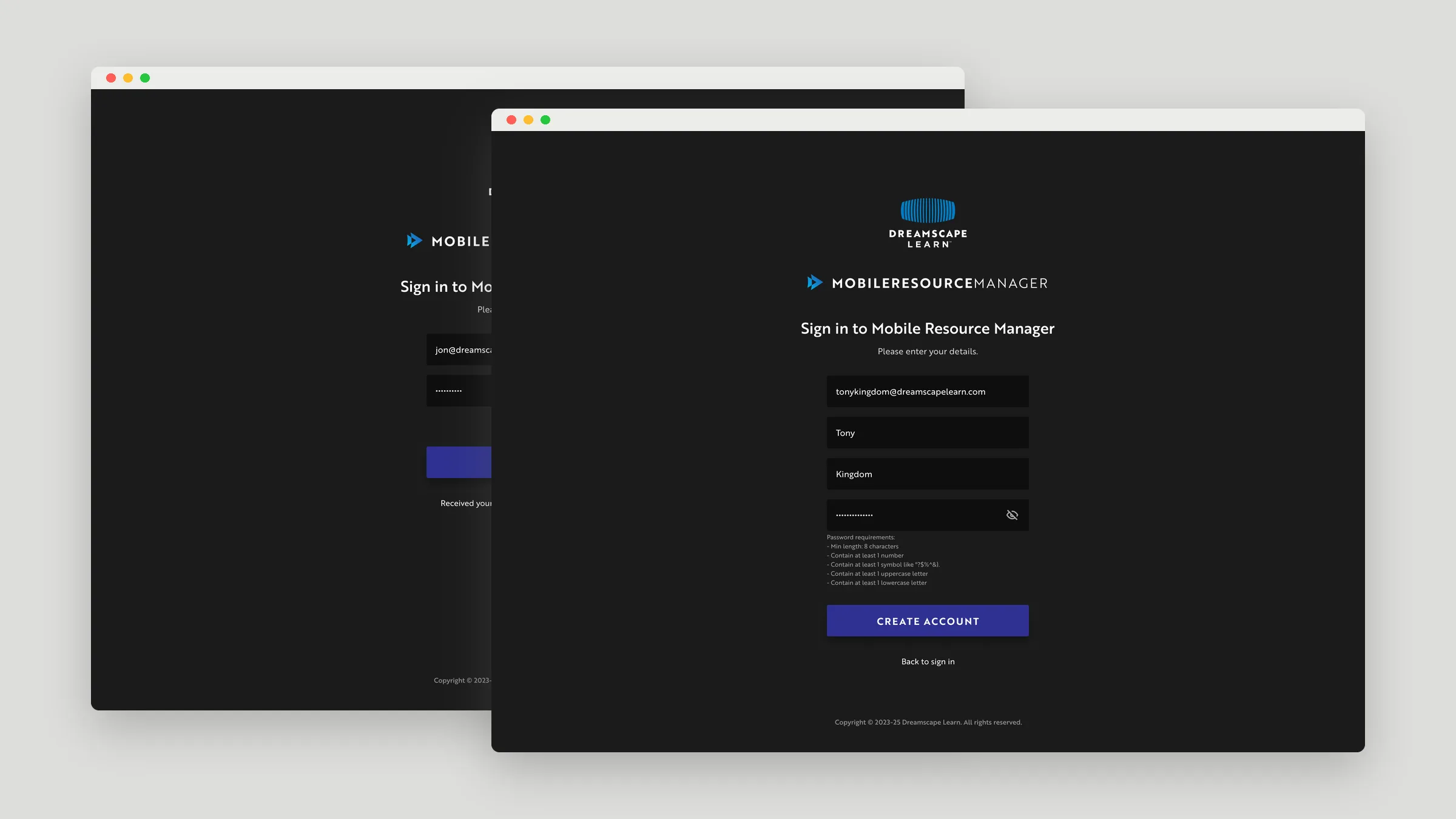
Resource Manager uses the same sign-in, sign-up, and email verification pattern as the Control Center, with its own branding.
03Schedule
Every pod and cart on one timeline
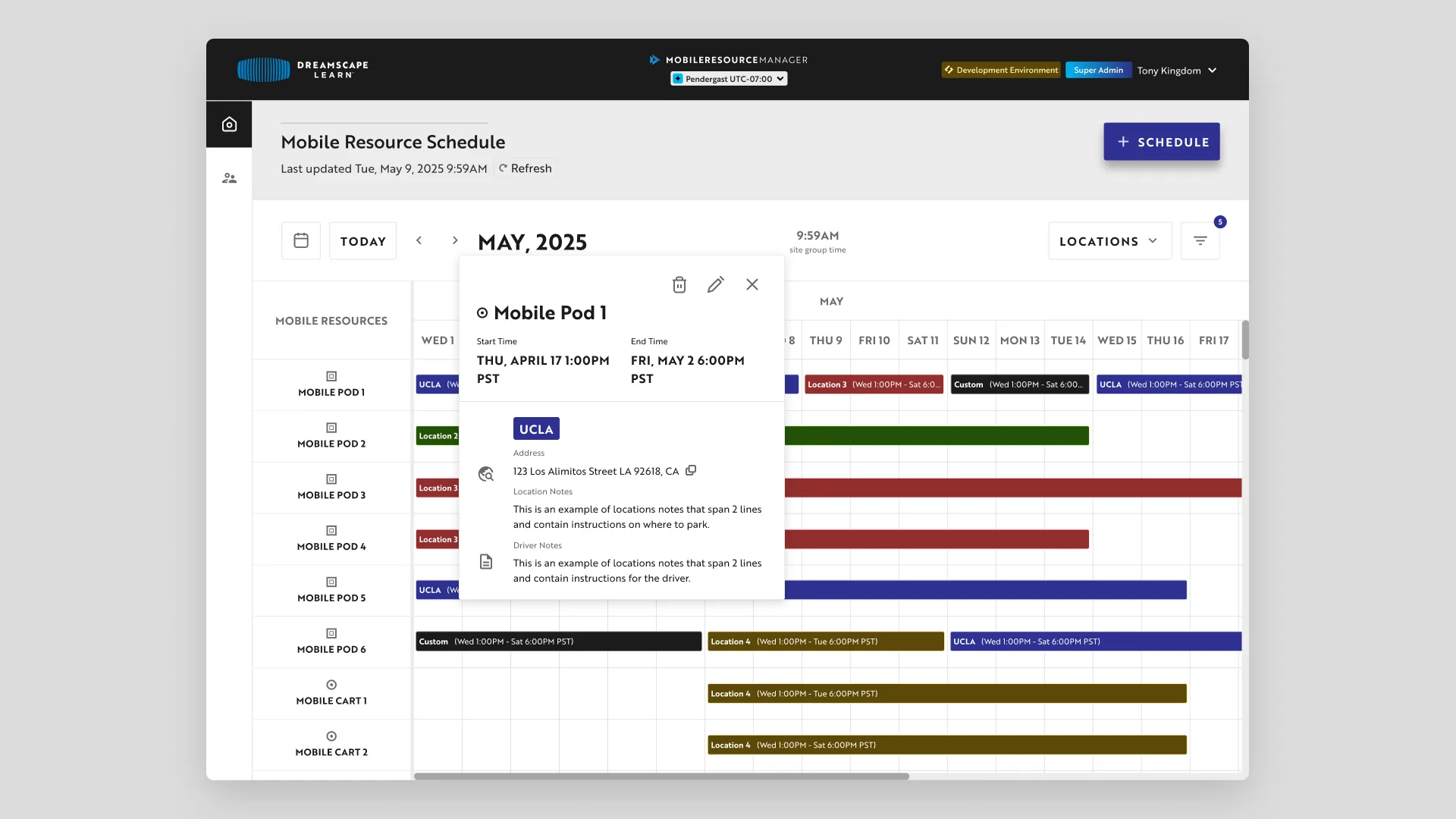
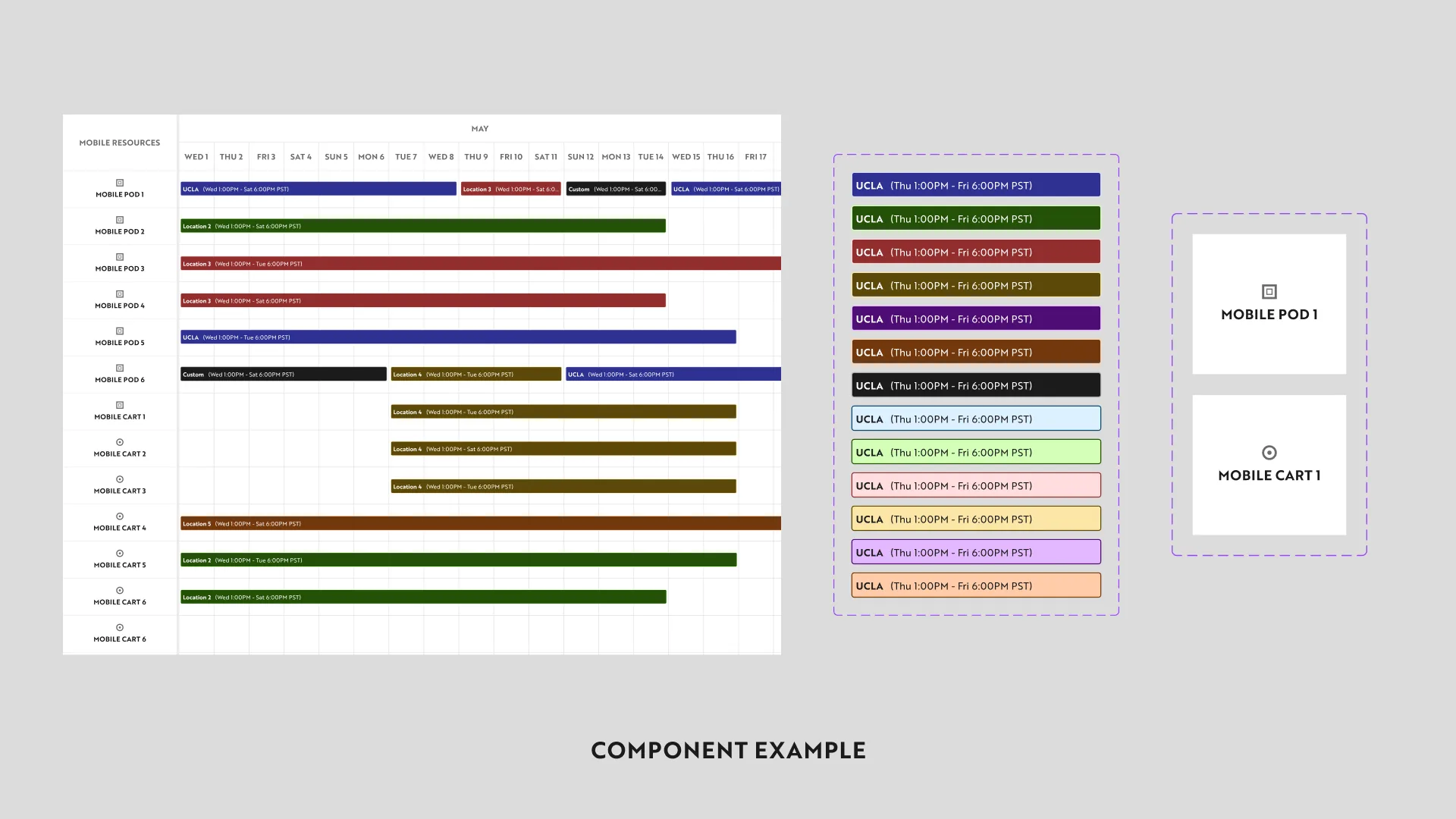
Coordinators see each mobile pod and cart across the month. Selecting a booking shows its dates, the location’s address, and notes for the driver.
04Color system
A colorway for locations
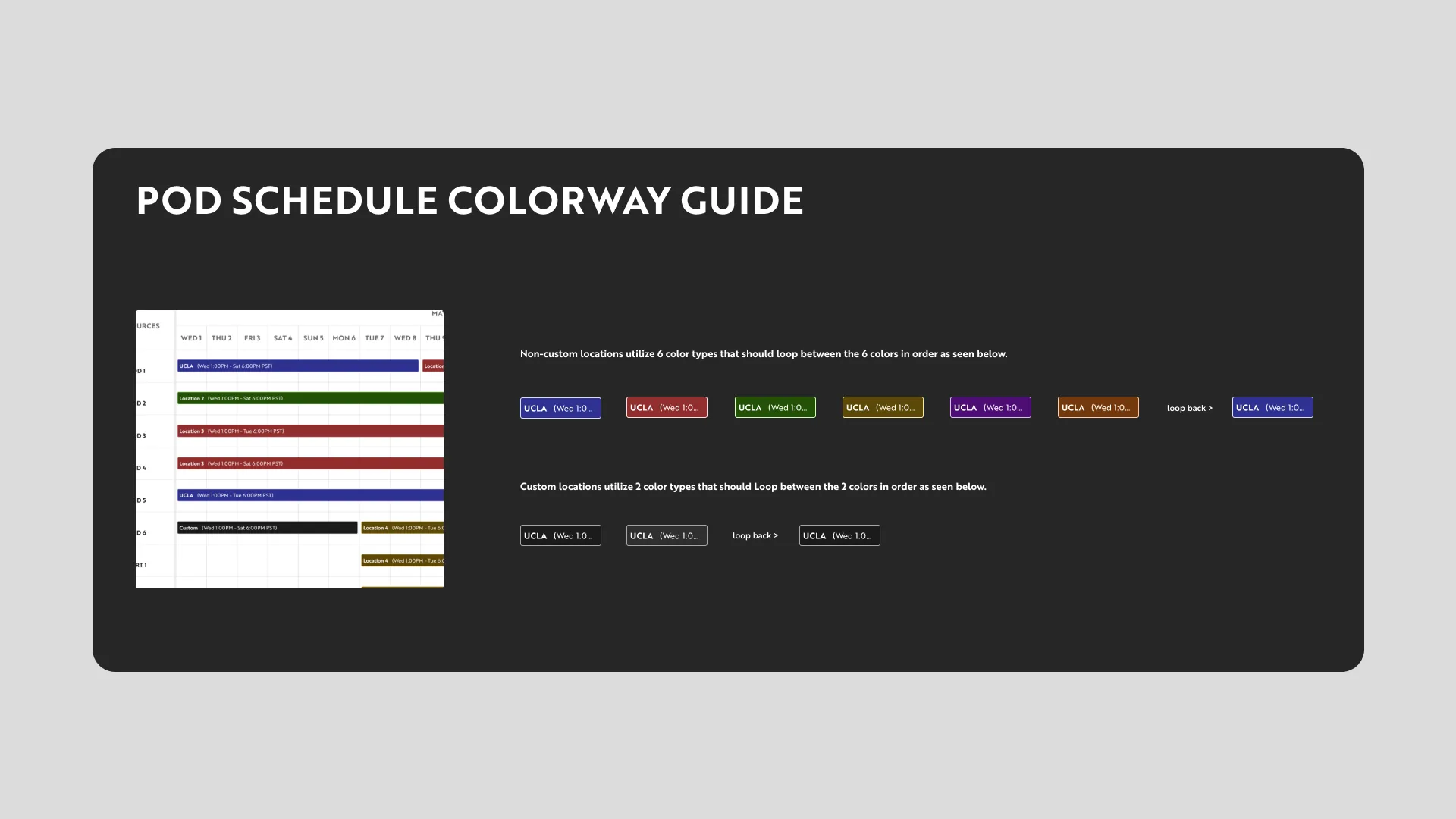
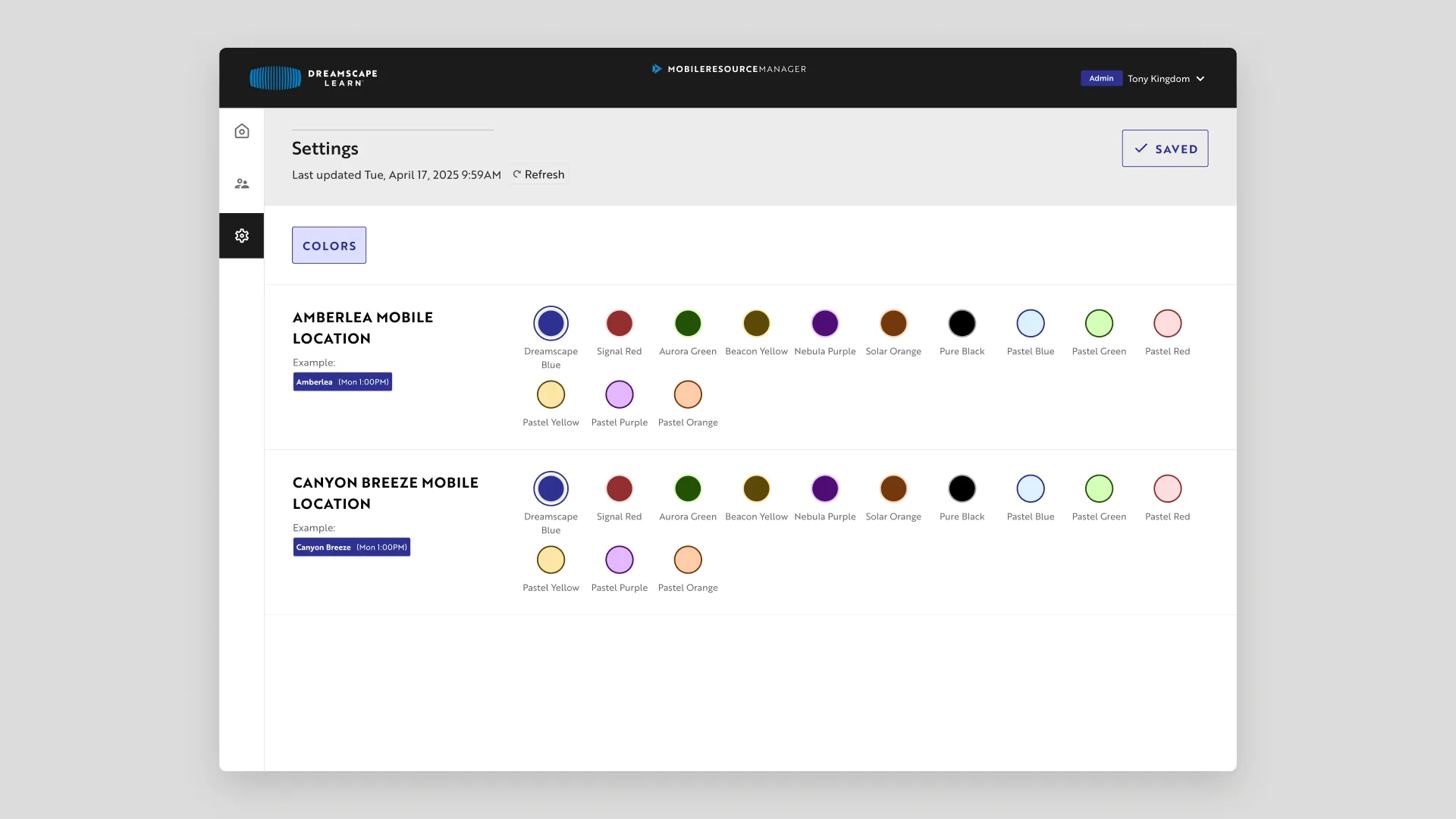
Every location is color-coded. Standard locations loop through six colors in a set order, and custom locations loop through two.
05Settings
Admins choose the colors
In settings, admins assign each location a color from the palette and see a preview of how it will look on the schedule.
06People
Four roles, one user list
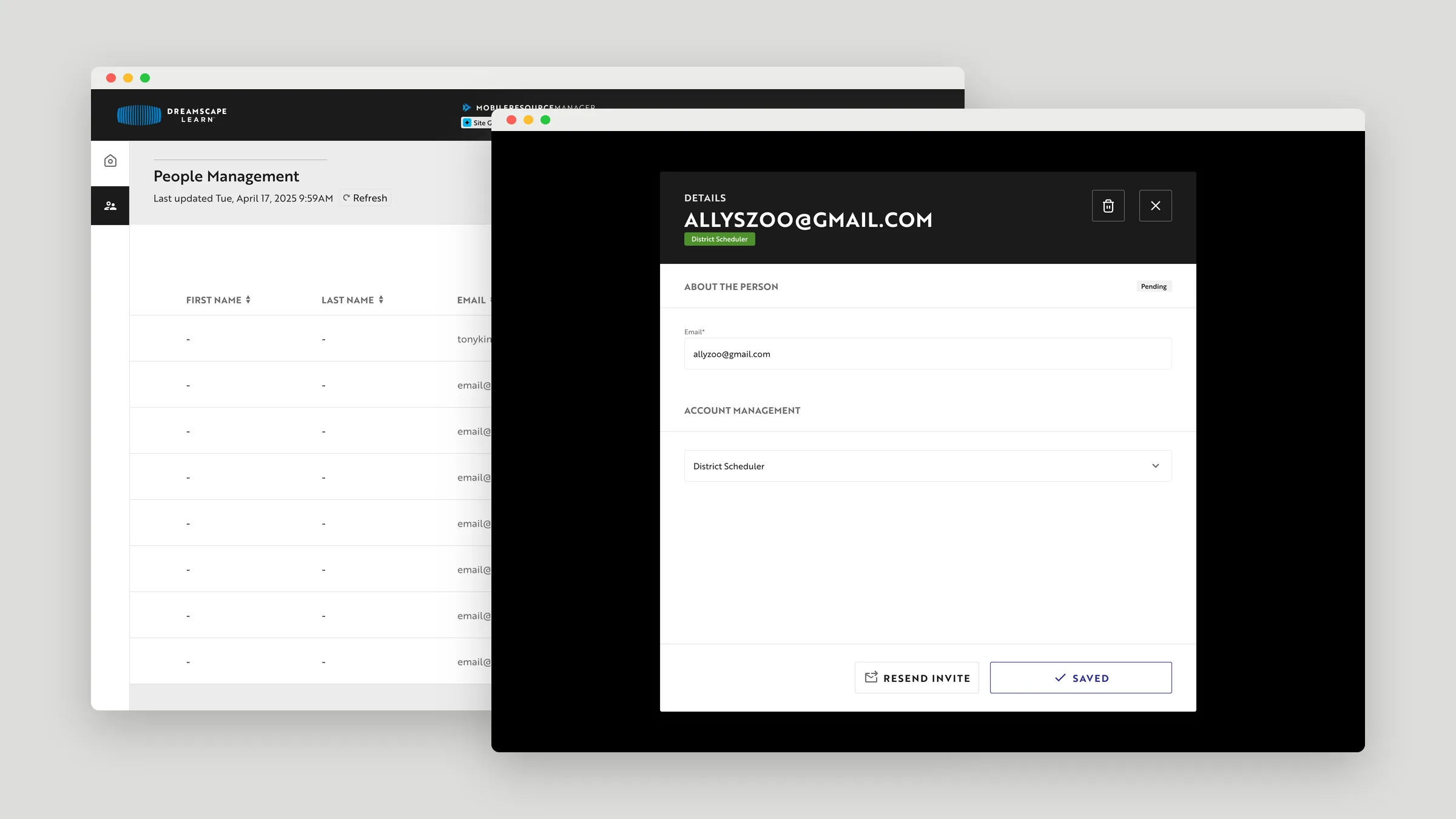
Super admins invite people and give each one a role: super admin, admin, district scheduler, or driver.
07Scheduling
Creating a booking
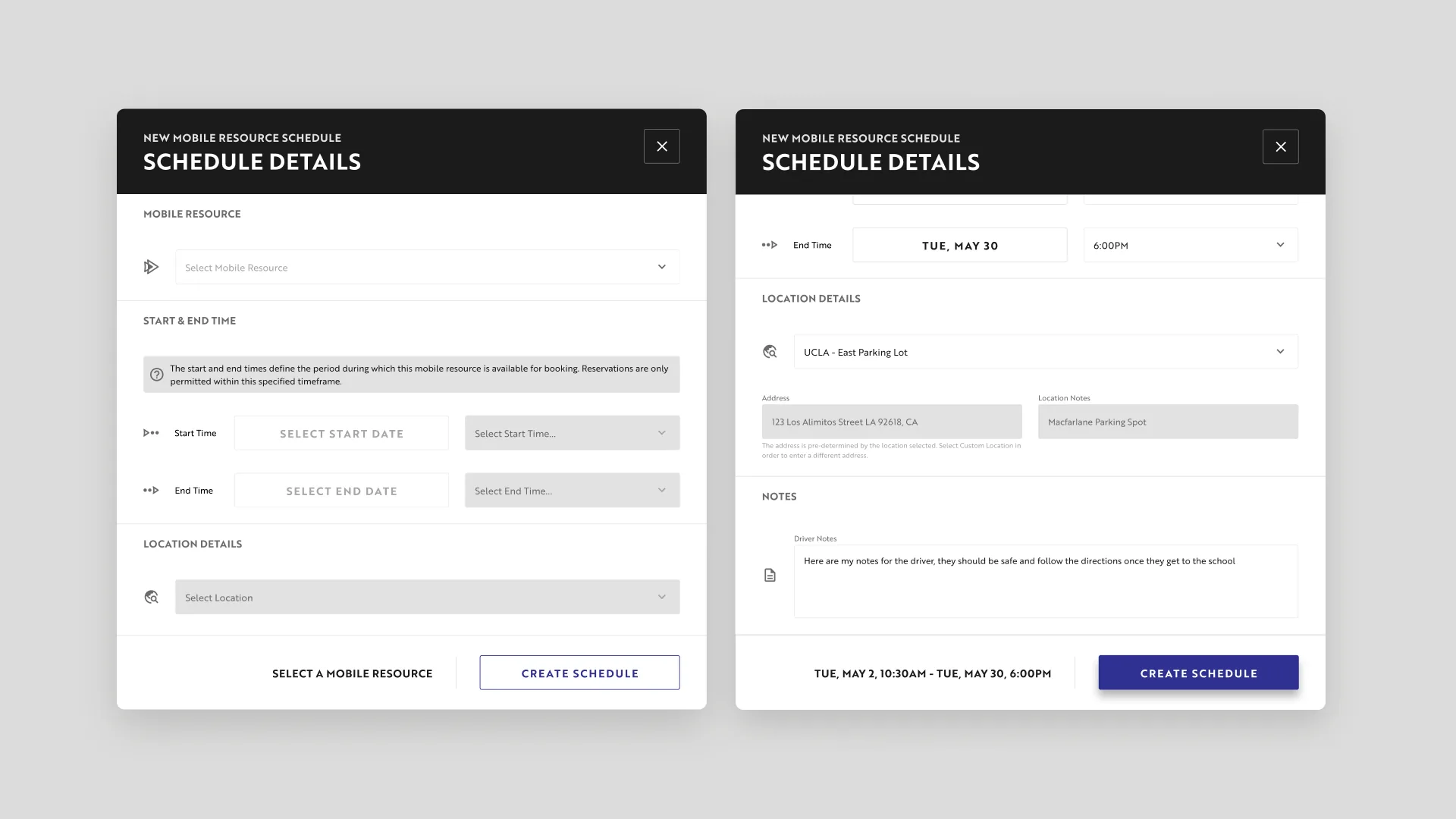
A new schedule pairs a mobile resource with a start and end window and a location, and carries notes for the driver.
08Edge cases
No double-booked pods
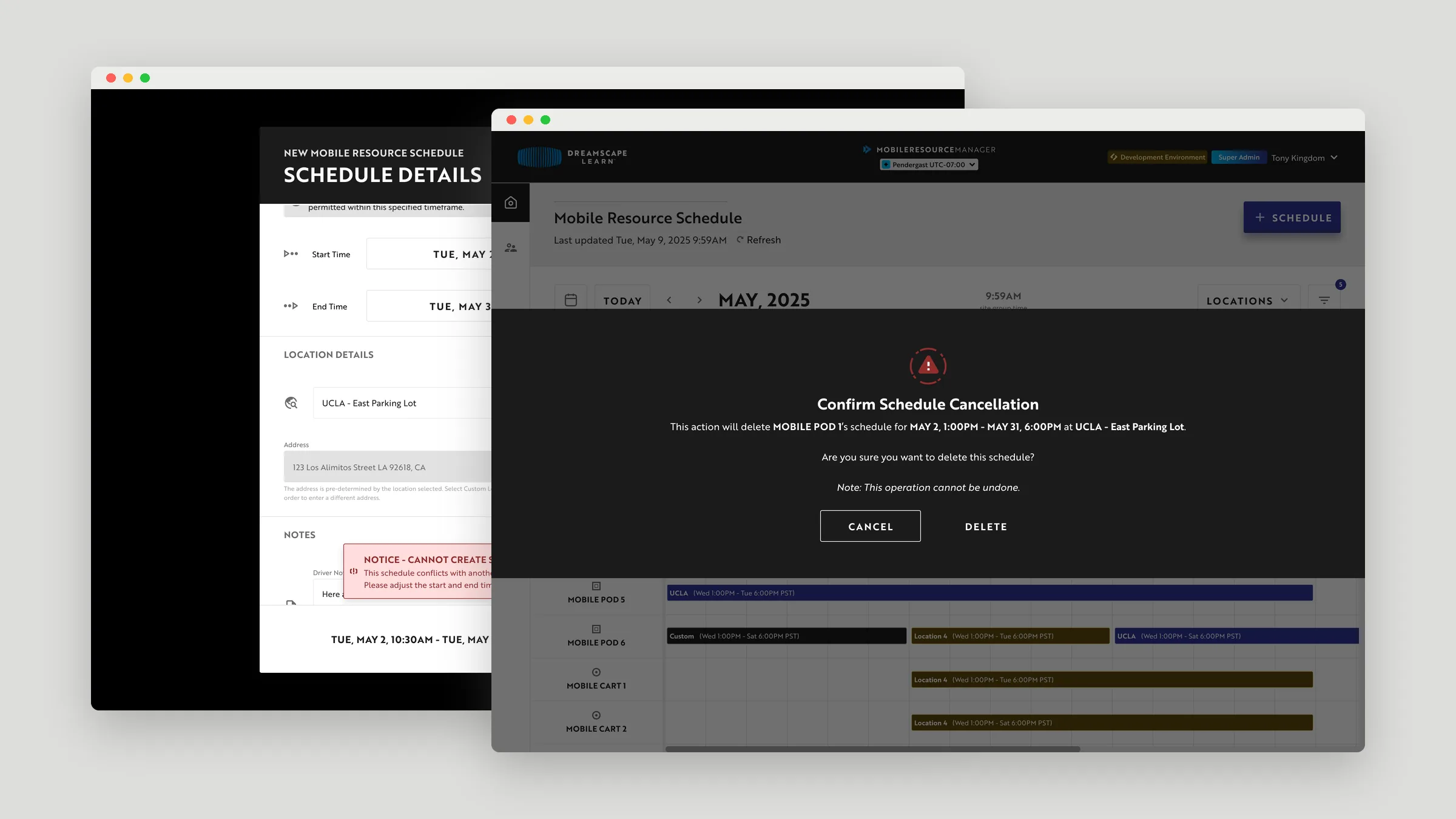
If a new booking overlaps an existing schedule for the same pod, the form explains why it can’t be created. Deleting a schedule asks for confirmation and names the pod, dates, and location first.
09Components
Schedule components
The timeline is built from reusable pieces: a booking bar in each of the 13 palette colors, plus row labels for pods and carts.
10Outcome
Shipped
The Resource Manager launched as the scheduling and logistics hub for Dreamscape’s mobile pods.